2026-06-12
How to Compress a PDF to Email It (Without Wrecking Quality)
Shrink a too-big PDF so it fits in an email, right in your browser with no upload. Why PDFs balloon, what compresses well, and honest tool picks.
Try Compress PDF→ ToolKoala
Step-by-step guides for a specific job — each points you to the right tool, running in your browser.
Shrink a too-big PDF so it fits in an email, right in your browser with no upload. Why PDFs balloon, what compresses well, and honest tool picks.
Try Compress PDF→Split a PDF into separate files or extract a page range, right in your browser with no upload. Steps, when to split vs extract, and honest tool picks.
Try Split PDF→Merge several PDFs into one document and reorder the pages — all in your browser, with no upload. The private way to combine contracts, IDs, and forms.
Try Merge PDF→ PDF
PDF
Adobe Acrobat is $20/month. Here are 4 free ways to save a PDF as a JPG image — Preview, Word, online services, and browser tools — tested with real PDFs, with quality comparisons and file size numbers.
Try PDF to JPG→Convert a .docx Word file to PDF for free while keeping fonts and layout intact. The export trick that preserves fidelity, plus why upload converters risk resumes.
Try Word to PDF→Turn a PDF back into an editable Word .docx in your browser with no upload. Covers text vs scanned PDFs, realistic layout expectations, and safer alternatives.
Try PDF to Word→Add a text watermark to one photo or a whole batch at once, free and in your browser. Tiled, centered, or corner placement, then download everything as a ZIP.
Try Add Watermark→Blur the background of a photo for free, right in your browser — AI keeps the subject sharp and nothing uploads. The DSLR portrait look without the camera.
Try Blur Background→Warm up or tint a black-and-white photo for free in your browser — sepia, warm tone, or any custom color. Honest note inside on what this does and doesn't do.
Try Colorize Image→Make a picture higher resolution and clearer with a real AI super-resolution model that runs 100% in your browser. How AI upscaling differs from resizing and classic upscaling, and when each one is the right pick.
Try AI Image Upscaler→Convert PNG to JPG (or the reverse) in your browser with no upload. Steps, the real PNG vs JPG vs WebP difference, and the transparency gotcha to avoid.
Try Convert Format→Resize an image to exact pixels in your browser, no upload. Learn pixels vs percent vs aspect lock, and when you actually need to compress instead.
Try Resize Image→Turn a set of photos into an animated GIF for free — set frame delay, preview, download. No watermark, no signup, and your images never upload.
Try GIF Maker→Change a photo background to white or any color for free — AI cuts out the subject in your browser, no upload. For product, passport, and profile shots.
Try Change Background→Your iPhone saves photos as HEIC and Windows won't open them. Here's why, plus the fastest free way to convert HEIC to JPG in your browser with no upload.
Try HEIC to JPG→Shrink a JPG, PNG, or WebP for web or email without obvious quality loss. How compression actually works, when to use WebP, and a private browser-based way to do it.
Try Compress Image→Enlarge a small or blurry image in your browser without uploading it. Honest take on what upscaling can and can't do, plus real AI upscaler alternatives and prices.
Try Upscale Image→Turn any image into a favicon for free — get a favicon.ico plus PNGs at every size (16 to 512), copy the HTML tags, and ship it. All in your browser, no upload.
Try Favicon Generator→Turn a JSON array of objects into a CSV or a real .xlsx Excel file, right in your browser. How the columns are built, what to do about nested data, and why it stays private.
Try JSON to CSV / Excel Converter→Encode and decode Base64 text, and convert a small image into a data URI you can inline in CSS or HTML — all locally in your browser, nothing uploaded.
Try Image to Base64→Convert CSV to JSON in your browser — an array of objects keyed by the header row — and back again. Plus the gotchas with quoting, delimiters, and type coercion.
Try CSV ↔ JSON→Decode a JWT to read its header and payload in seconds — and why pasting a live token into a random online decoder can get your session hijacked.
Try JWT Decoder→Pretty-print messy JSON, catch syntax errors with line numbers, and minify for production — all in your browser without uploading API responses full of tokens.
Try JSON Formatter & Beautifier→Generate MD5, SHA-1, or SHA-256 hashes in your browser and verify a downloaded file matches the publisher's checksum. Plus an honest note on which are broken.
Try Hash Generator→Generate one or many random UUID v4 / GUID values in your browser. Learn when to use a UUID as a key and when you should NOT use one as a security token.
Try UUID Generator→The handful of techniques that crack most Sudoku puzzles — scanning, singles, and pencil marks — explained step by step, with a free board to practice on.
Try Sudoku→Generate your own Sudoku puzzles and print them — pick the difficulty and how many, get a clean PDF with an answer key. Free, in your browser, no sign-up.
Try Sudoku→A gentle way to introduce children to Sudoku — smaller 4×4 and 6×6 grids, emoji symbols for pre-readers, and printable worksheets. Free, no sign-up.
Try Sudoku for Kids (4×4 & 6×6)→For any 50/50 call, flipping a coin beats overthinking it. Here's when a coin flip is the right tool — and why a digital flip is actually fairer than a real coin.
Try Coin Flip→Need random numbers in a range — lottery picks, a winning ticket number, or a fair sample? Here's how to generate them properly, with or without repeats.
Try Random Number Generator→Lost your dice or need a d20 you don't own? Roll any dice online — d4 to d20, one or many, with an automatic total. Free, fair, and runs in your browser.
Try Dice Roller→A spinning wheel of names makes picking someone feel fair and fun — for classroom cold-calling, live giveaways, or deciding whose turn it is. Here's how to use one well.
Try Spin the Wheel→The fastest way to end the daily "I don't know, you choose" lunch standoff — list the options and let a random decision maker pick one fairly, in seconds.
Try Decision Maker→Running a company lucky draw or Instagram giveaway? Here's how to pick winners in a way that's actually fair — and that you can prove to everyone watching.
Try Raffle / Random Name Picker→Paste a list of names and split them into fair, balanced random groups in seconds — by number of groups or people per group. For workshops, classrooms, and team-building.
Try Random Group Generator→Encrypt a PDF with a password right in your browser, no upload. Plus the honest truth about removing a password you already know versus cracking.
Try Password Protect PDF→Pixelate a face, license plate, or account number before sharing a screenshot — in your browser, no upload. Plus how big the blocks need to be.
Try Pixelate / Mosaic→Your photos quietly store the GPS coordinates of where you took them. Here's how to check for hidden EXIF location data and strip it in your browser before you post.
Try EXIF Remover→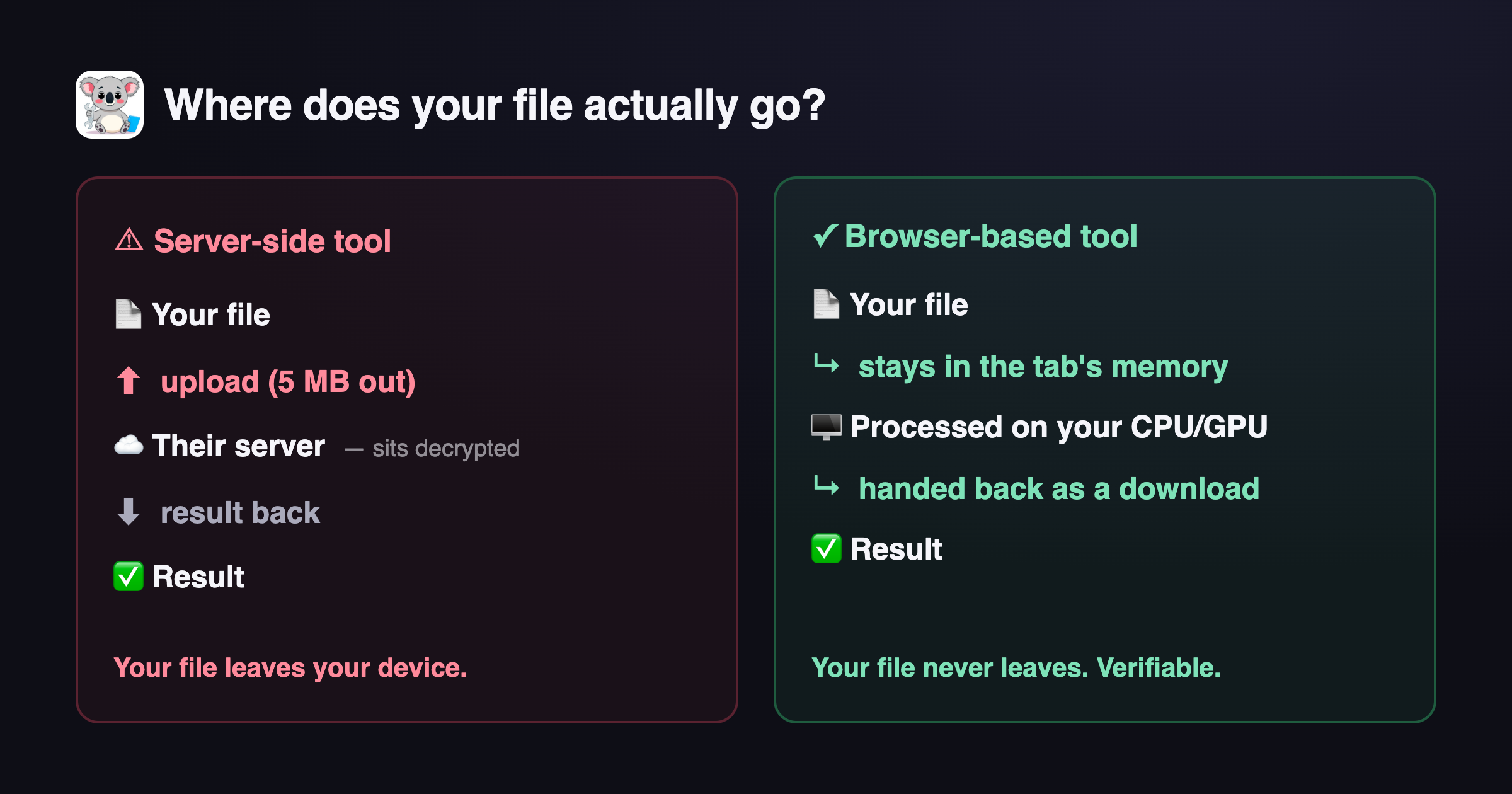 Privacy
Don't trust "we don't store your files" — verify it. A 60-second DevTools check that shows whether a web tool uploads your file or processes it entirely in your browser.
A strong password is mostly about length, not symbol-soup. Here's how entropy actually works, why passphrases win, and how to generate one privately.
Try Password Generator→Blur faces, kids, or bystanders before posting a photo. Here's how to do it privately in your browser and why a real blur must be irreversible.
Try Blur Face→Pull the audio out of a video and save it as MP3, M4A, or WAV — right in your browser, no upload, no watermark. How to pick a format and bitrate, and what to know about big files.
Try Video to MP3 — Extract Audio→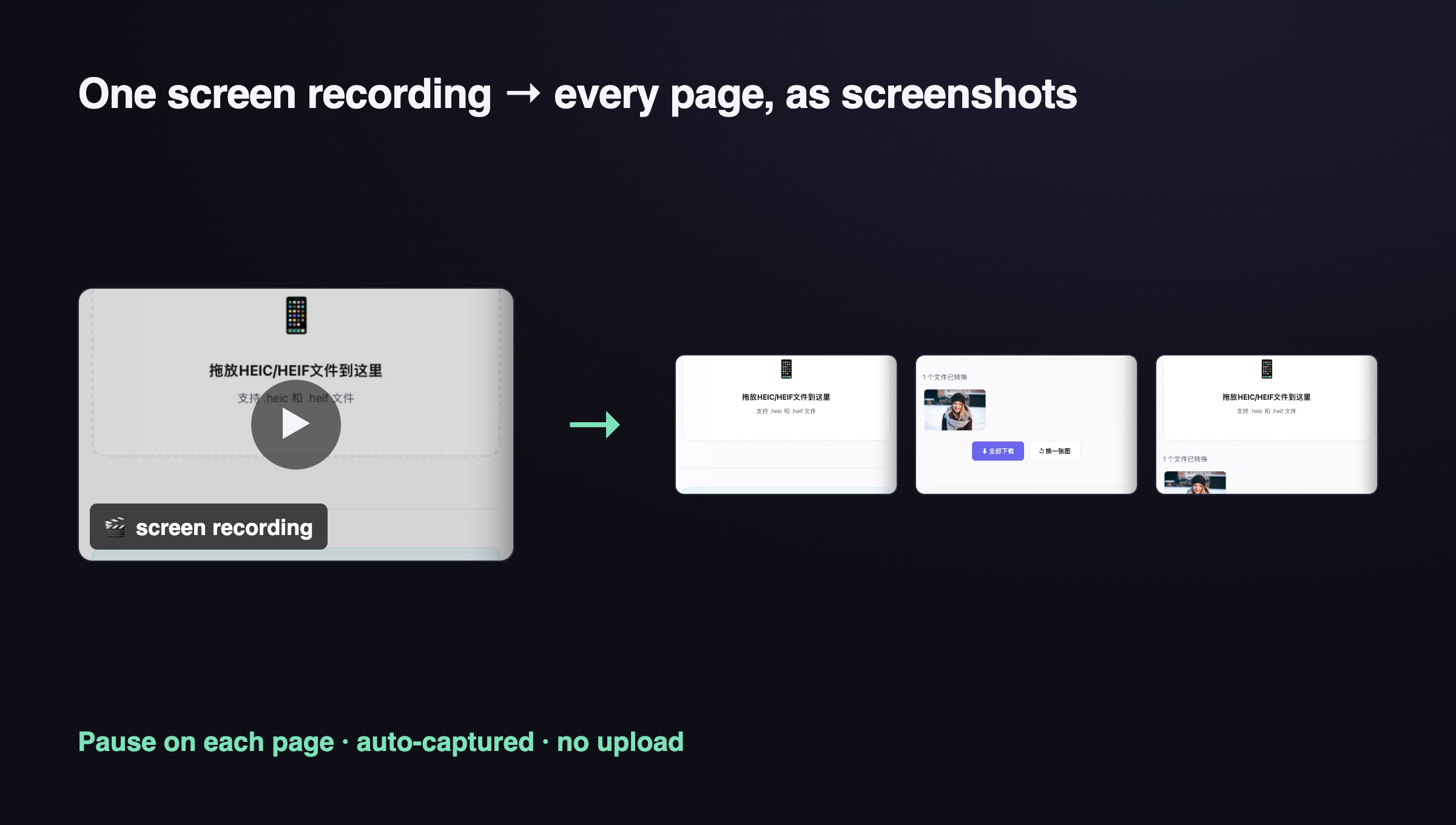 Video
Video
The fastest way to get clean page screenshots for a tutorial — record your click-through once, pause on each page, and auto-extract the frames. No manual pausing, no paid app, no upload.
Try Video to Screenshots→Turn a video clip into a GIF with no watermark and no upload. Trim, set fps and width, export — all in your browser. Plus when an MP4 beats a GIF.
Try Video to GIF→Split one image into a 3x3 Instagram grid or a three-tile panorama for free, in your browser. Cut a photo into tiles, post them in the right order, and make your profile line up.
Try Image Splitter→The image dimensions that actually matter in 2026 for Instagram, X, Facebook, LinkedIn, YouTube, TikTok, and Pinterest — plus safe zones and a one-click resizer.
Try Social Media Image Resizer→Open and view a PSD file without Photoshop — preview it in your browser, check dimensions, export a PNG. No upload, no install, no Adobe subscription.
Try PSD Viewer→Pull the exact hex or RGB code of any color from an image or screenshot, right in your browser, with no upload. Steps, real tool alternatives, and trade-offs.
Try Color Picker→Make a clean signature PNG with a transparent background for signing PDFs and documents — draw it or type it, in your browser, without uploading your real signature to some random site.
Try Signature Generator→Move photos or files from your phone to your PC (or the other way) with no cable, no app install, and no account. Just open a browser on both, scan a code, and drag.
Try Share Files Between Devices→Convert text to speech free in your browser with no sign-up. Paste, pick a voice, press play. Honest take on browser voices vs paid AI voices.
Try Text to Speech→Many "free" QR codes secretly redirect through a server and die when you stop paying. Here's how to make a static QR code that works forever.
Try QR Generator→