
How We Built a Video Compressor That Never Uploads Your File
2026-05-20
Search for "compress video online" and you'll find dozens of services that look free, clean, and convenient. Drop your file in, wait 30 seconds, download a smaller version. Easy.
Here's what almost none of them tell you: your video is on their server. Maybe it's deleted after a few hours. Maybe their staff doesn't watch it. Maybe their backups don't keep a copy. Maybe.
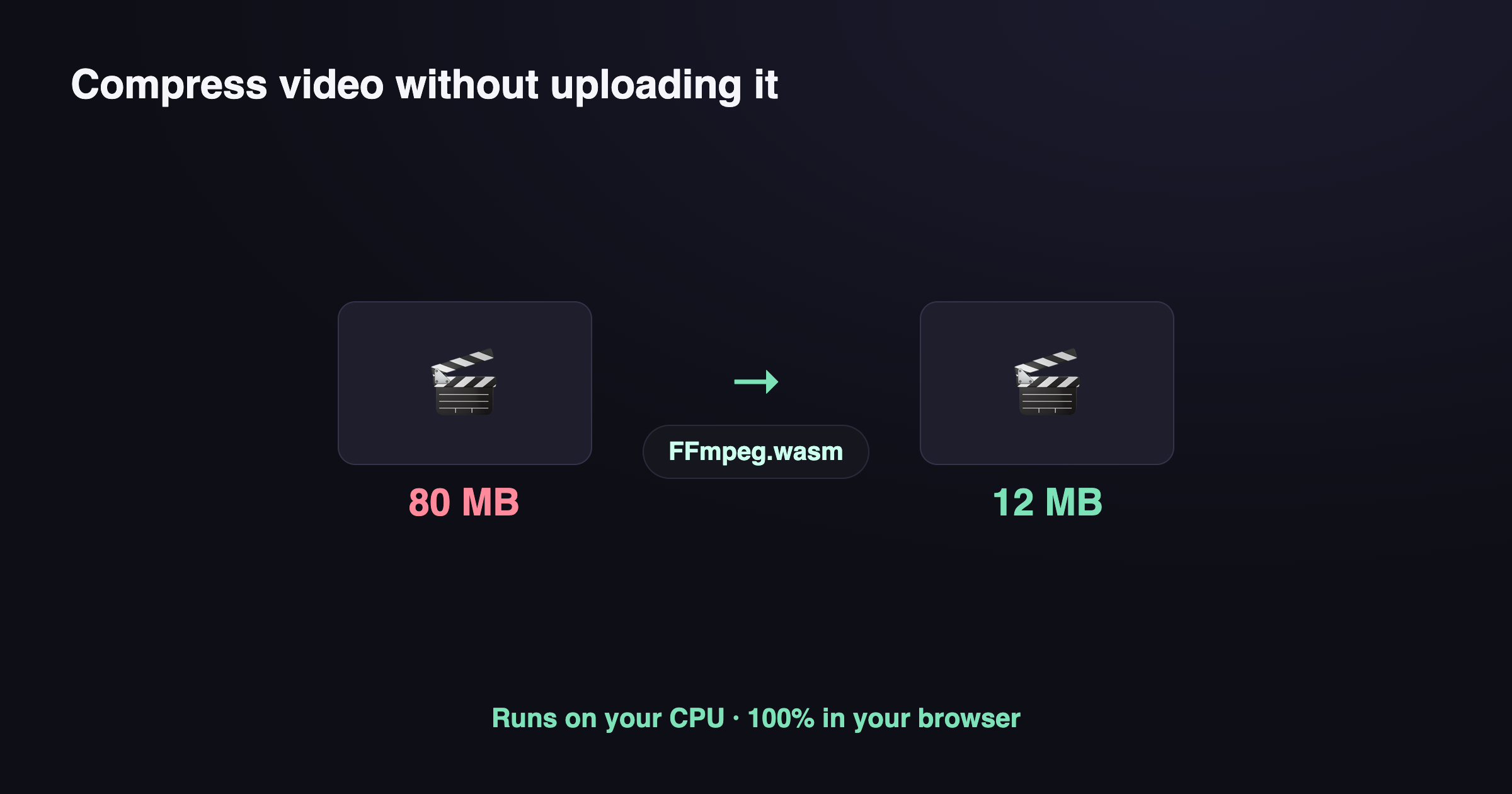
We built ToolKoala Video Compressor to remove the "maybe." Your video file never leaves your laptop. Not to our server. Not to anyone's server. The compression runs entirely in your browser, on your CPU. This article explains how that works, what the trade-offs are, and how you can verify it yourself.
The trick: FFmpeg compiled to WebAssembly
FFmpeg is the open-source video encoder that powers most professional video tools — from YouTube's ingestion pipeline to your favorite Mac app. It's been around for over 20 years and handles every codec, container, and color space you can think of.
A few years ago, the FFmpeg team compiled the whole thing to WebAssembly — a portable binary format that runs in any modern browser at near-native speed. The result is @ffmpeg/ffmpeg, a JavaScript package that loads a ~30 MB WebAssembly module and exposes FFmpeg's command-line interface to web pages.
When you visit our Video Compressor and drop in an MP4, here's what happens:
- Your browser downloads the FFmpeg WebAssembly module (~30 MB) once. It's cached, so subsequent visits skip this.
- The module loads into a Web Worker — a background thread that can't touch the DOM.
- We hand your video file to the worker via
writeFile(). This is an in-memory copy. No network involved. - The worker runs
ffmpeg -i input.mp4 -c:v libx264 -crf 28 output.mp4— re-encoding the video on your CPU. - The worker hands the compressed bytes back. We wrap them in a Blob, generate a download link, and that's it.
At no point is your video sent over the network. The only network traffic is the FFmpeg engine itself loading from a public CDN.
Verify it yourself — takes 10 seconds
Don't trust us. Trust your browser's DevTools.
- Open https://www.toolkoala.com/video-compress/ in Chrome or Firefox.
- Open DevTools (F12 or right-click → Inspect).
- Go to the Network tab. Click the trash icon to clear existing requests.
- Drop a video file onto the page.
You'll see network requests fire — but only for the FFmpeg engine files (ffmpeg-core.js and ffmpeg-core.wasm from cdn.jsdelivr.net — or from unpkg.com, if jsDelivr happens to be down). Your video file makes zero outbound requests. None. You can leave the network tab open for the full compression and watch — it stays quiet.
This is the only kind of privacy claim that matters: one you can verify in 10 seconds without trusting the publisher.
Why don't all online compressors do this?
Three reasons.
Speed. Server-side compression uses dedicated hardware — usually GPUs or specialized H.264 ASIC encoders. They can compress a 1-minute clip in under 10 seconds. WebAssembly runs on your laptop's CPU, single-threaded. The same job takes 1–3 minutes for us. For most personal use cases that's fine. For batch processing 100 videos, it's not.
File size. Browser memory is finite. We cap uploads at 1 GB. Server-side tools handle hundreds of gigabytes. If you're compressing a 4K archive, use HandBrake on your desktop instead.
Engineering cost. Server-side is the standard architecture every framework teaches. Browser-side requires understanding Web Workers, WebAssembly memory models, blob URLs, and the subtle differences between type: "module" and type: "classic" workers (we hit this bug ourselves — module workers don't support importScripts, so you have to load the ESM build of ffmpeg-core, not the UMD build). It's a more annoying path that few teams choose unless privacy is a real product requirement.
What we sacrificed
Honesty matters more than marketing here. Things we cannot do that server-side compressors can:
- GPU acceleration. No
-hwaccel cudaor-c:v h264_nvenc. Pure CPU. - Hardware-accelerated H.265/AV1. Browser WebAssembly supports software H.264. Newer codecs work but are even slower.
- Files over ~1 GB. Browser memory limits are 2–4 GB depending on the platform. Above ~1 GB input, allocations start failing.
- Reliable mobile experience. Phones run out of memory and slow down dramatically on long videos. We recommend desktop.
If any of those matter to you, use HandBrake (desktop, free, open source) instead.
Why we built it anyway
Two real use cases convinced us:
Email attachments. People constantly hit Gmail's 25 MB attachment limit. They need to shrink a 60 MB video before sending. They don't want to think about whether the compression service is selling thumbnails.
Sensitive footage. Insurance claims, medical recordings, family moments, draft work product. Anything you'd be uncomfortable uploading to a random domain. The mental tax of "is this site safe?" disappears when the answer is provably "your file never goes anywhere."
If you fall into either bucket, give it a try: ToolKoala Video Compressor. Drop a file, pick a quality level, wait a minute, download. No signup, no watermark, no email required, no file uploaded.
Acknowledgements
This is only possible because of the FFmpeg team's two decades of work, the @ffmpeg/ffmpeg maintainers who wrap it for browsers, and the WebAssembly spec writers who made byte-level portability boring enough to ship.
We're a small operation building a stack of browser-based privacy tools. PDFs, images, text, video — same principle each time: your files don't need to leave your device for you to use software.
FAQ
How can a browser compress video without uploading it? Through FFmpeg compiled to WebAssembly — it runs on your CPU inside the browser tab, so the file never leaves your device.
Is browser video compression slower than a desktop app? Somewhat — WebAssembly runs a couple times slower than native FFmpeg. For typical clips it's fine; you trade some speed for privacy.
Does it work offline, and is there a size limit? After the one-time engine download (~30 MB), yes, it works offline. The limit is your browser's memory, not a server quota — very large files may strain RAM.